- [How to add free web search to your coding agent in 10 minutes (CLI and MCP)](https://parallel.ai/articles/add-free-web-search-to-coding-agent)
Tags:Guides
Reading time: 9 minSeptember 26, 2026
A web search API is the retrieval layer that grounds every answer your AI application gives. We compared five engines on BrowseComp, SimpleQA Verified, and WideSearch using our September 2026 runs plus independent latency and index data, and no engine led on every benchmark at every price tier.
A web search API[web search API] gives an AI application live access to the open web. Your app sends a query, the API searches the web, and it returns ranked results and text your model can read. For AI agents[AI agents], this is the retrieval layer that grounds every answer. Agents chain many search calls inside a single task, so the speed and accuracy of each call compound across the whole system.
We compared five web search APIs using our September 2026 runs on three benchmarks (BrowseComp, SimpleQA Verified, and WideSearch), plus independent data from the Artificial Analysis Search Index and Openbenchmarks' latency boards. On BrowseComp, the hardest of the three, accuracy ran from 66% to 74% with a frontier agent and from 32% to 46% with a low-cost agent. Cost varied more than accuracy did: at the low-cost tier, BrowseComp spend ran from $11.80 to $176 per 1,000 questions. No engine led everywhere. Parallel Advanced tied Perplexity on BrowseComp at a higher cost, Perplexity edged Parallel Fast at the low-cost tier, and Exa beat Fast on WideSearch.
This report covers web search APIs: the search endpoint that returns URLs and excerpts for an agent to use as a tool call.
Treat any benchmark table, including this one, as a starting point. The accuracy and cost figures below come from three datasets run through one agent harness at two price tiers in September 2026, and the latency figures come from a separate third-party board. Your latency and accuracy depend on your own workloads, your domains, and the shape of your queries.
The only test that settles it is running your real production queries through each engine and measuring whether your agent finishes the task correctly.
We publish this benchmark and we're biased toward our own product, so read every figure here with that in mind. We report the full accuracy and cost for every engine in our runs, Parallel included, and we say where a competitor beats us. OpenAI Web Search and SerpAPI appeared in an earlier edition of this report, but they aren't in our current runs and we don't have comparable independent numbers for them, so they're out of this one. Teams that switch from OpenAI web search[switch from OpenAI web search] usually decide by running the test on their own traffic.
Our September 2026 runs[September 2026 runs] (evals run September 9, 2026) test each search API as a tool inside an agent at two price tiers. The frontier tier uses a GPT-5.6 Sol agent at high reasoning effort, paired with Parallel Basic or Advanced; the low-cost tier uses a GPT-5.6 Luna agent at low reasoning effort, paired with Parallel Fast or Turbo. Every competitor runs at both tiers with the same agent. Parallel, Exa, and Tavily get search and extract tools, and Perplexity runs search-only. An LLM judge grades the answers, and cost covers LLM tokens plus tool calls per 1,000 questions. The benchmarks are BrowseComp (OpenAI's persistent-browsing benchmark, 50-question sample), SimpleQA Verified (Google DeepMind's refinement of SimpleQA, 100-question sample), and WideSearch (ByteDance Seed's broad information-gathering benchmark, 100 tasks, scored with partial credit). Brave isn't in these runs, so its section relies on third-party data.
Before the per-engine detail, one independent data point: the Artificial Analysis Search Index[Artificial Analysis Search Index] (September 2026 data) benchmarks 25 search API products across 12 providers on a fixed GPT-5.6 Luna agent harness. Perplexity Search (medium) leads at 80, followed by Octen Search at 77; Parallel Search (advanced) scores 75, level with Brave's LLM context mode, with You.com (highlights) and Exa (auto) at 74. Parallel's fast mode recorded $8.41 in search cost per 1,000 benchmark tasks in AA's September 8 data, among the lowest measured. The harness and the scoring are Artificial Analysis's own. Openbenchmarks' fastest-search-API boards[Openbenchmarks' fastest-search-API boards] (September 2026) cover speed the same way: Parallel turbo had the lowest mean latency of the 20 configurations tested on factual lookup at 348ms, with Exa Instant at 398ms, Brave at 601 to 630ms, and Tavily Basic at 1.88s. Our September runs report accuracy and cost but not latency, so the latency figures in this report are those Openbenchmarks means, measured from its own client.
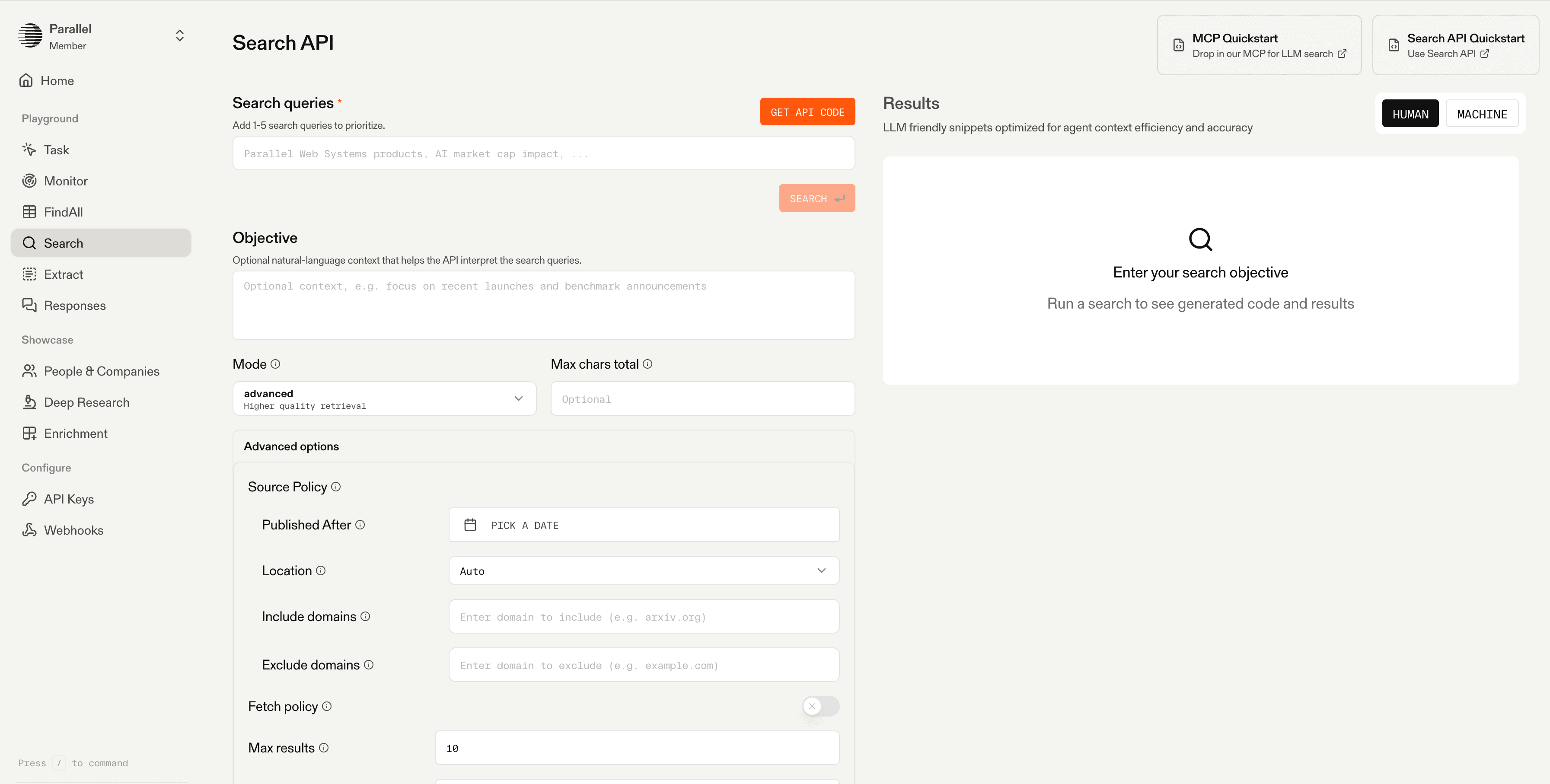
We built Parallel Search as web search designed for agents rather than people, with four modes from Turbo[Turbo] (~200ms) to Advanced (~3s). Your agent declares an objective in natural language, and we return URLs ranked by token relevancy plus compressed, dense excerpts sized for the context window. It runs on its own web index[its own web index], a proprietary web-scale index of billions of pages with intelligent recrawling for freshness. It's also available through our Search MCP server[Search MCP server].
At the frontier tier, Parallel Advanced scored 74% on BrowseComp, level with Perplexity but at $399 per 1,000 questions against Perplexity's $275, and led SimpleQA Verified (97%) and WideSearch (57.6). At the low-cost tier, Fast scored 94% on SimpleQA Verified at $2 per 1,000 questions, the lowest cost in the run, and 44% on BrowseComp at $11.80, two points behind Perplexity. On Openbenchmarks' factual-lookup board, Turbo had the lowest mean latency at 348ms; Fast (documented at ~700ms) measured 942ms.
**Best for:** AI agents and LLM apps that need fast, efficient web retrieval as a tool call across single-hop and multi-hop workloads.
**Tradeoffs:** Perplexity matches our frontier BrowseComp score for less money, and Exa beats Fast on WideSearch at the low-cost tier. We're also a newer platform, with a smaller ecosystem and fewer third-party integrations than the incumbents.
Perplexity offers its search layer as a standalone API that returns ranked web results with snippets, separate from its answer engine.
Perplexity was the strongest competitor in our runs. At the frontier tier it tied Parallel Advanced on BrowseComp at 74%, for less money: $275 per 1,000 questions against $399. At the low-cost tier it scored 46% on BrowseComp, two points ahead of Parallel Fast, at $37.10 against $11.80. It scored 95% and 94% on SimpleQA Verified and 53.5 and 47.0 on WideSearch (frontier and low-cost). It ran search-only in our evaluation. Perplexity low measured 1.38s mean latency on Openbenchmarks' factual-lookup board.
**Best for:** hard multi-hop questions where a frontier agent drives the search and cost per question matters.
**Tradeoffs:** search-only results, so agents that need full page content add their own extraction, and it costs more than Parallel Fast at the low-cost tier on all three benchmarks ($5.50 against $2 per 1,000 SimpleQA Verified questions).
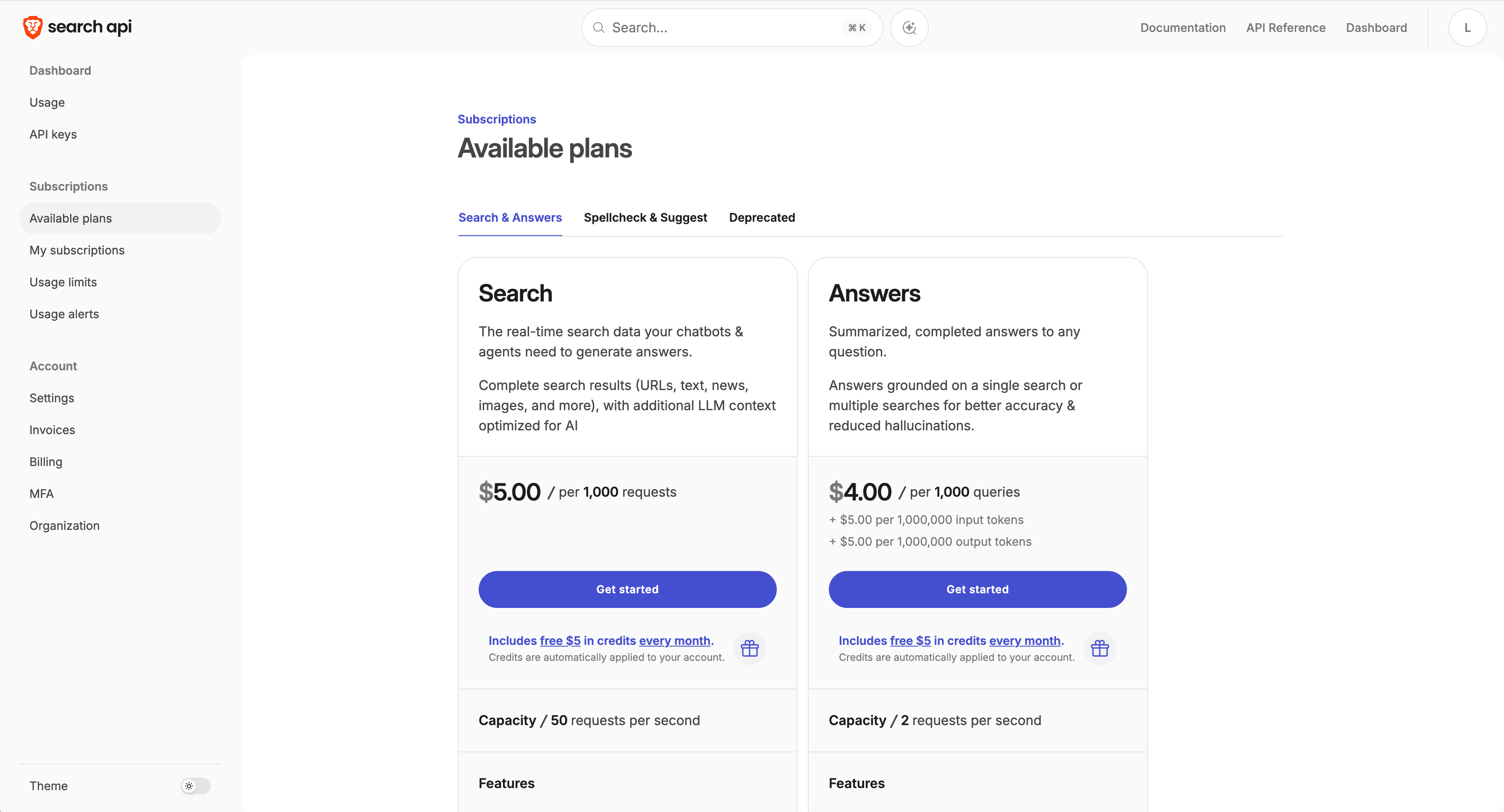
Brave Search serves results from its own independent crawl, with no dependence on Google and a privacy posture that avoids query tracking during API use. It returns SERP-style JSON.
Brave isn't in our current benchmark runs, so this section relies on third-party data. On the Artificial Analysis Search Index[Artificial Analysis Search Index] (September 2026 data), Brave's LLM context mode scores 75, level with Parallel Advanced. On Openbenchmarks' factual-lookup board, Brave measured 601 to 630ms mean latency, behind Parallel Turbo (348ms) and Exa Instant (398ms), and 523ms on the hard-retrieval search-only board.
**Best for:** privacy-sensitive applications that want an independent index and can handle their own content extraction.
**Tradeoffs:** the standard web endpoint returns SERP-style JSON that needs extraction and reshaping before a model can use it, and we have no head-to-head accuracy or cost numbers for Brave from our own runs.
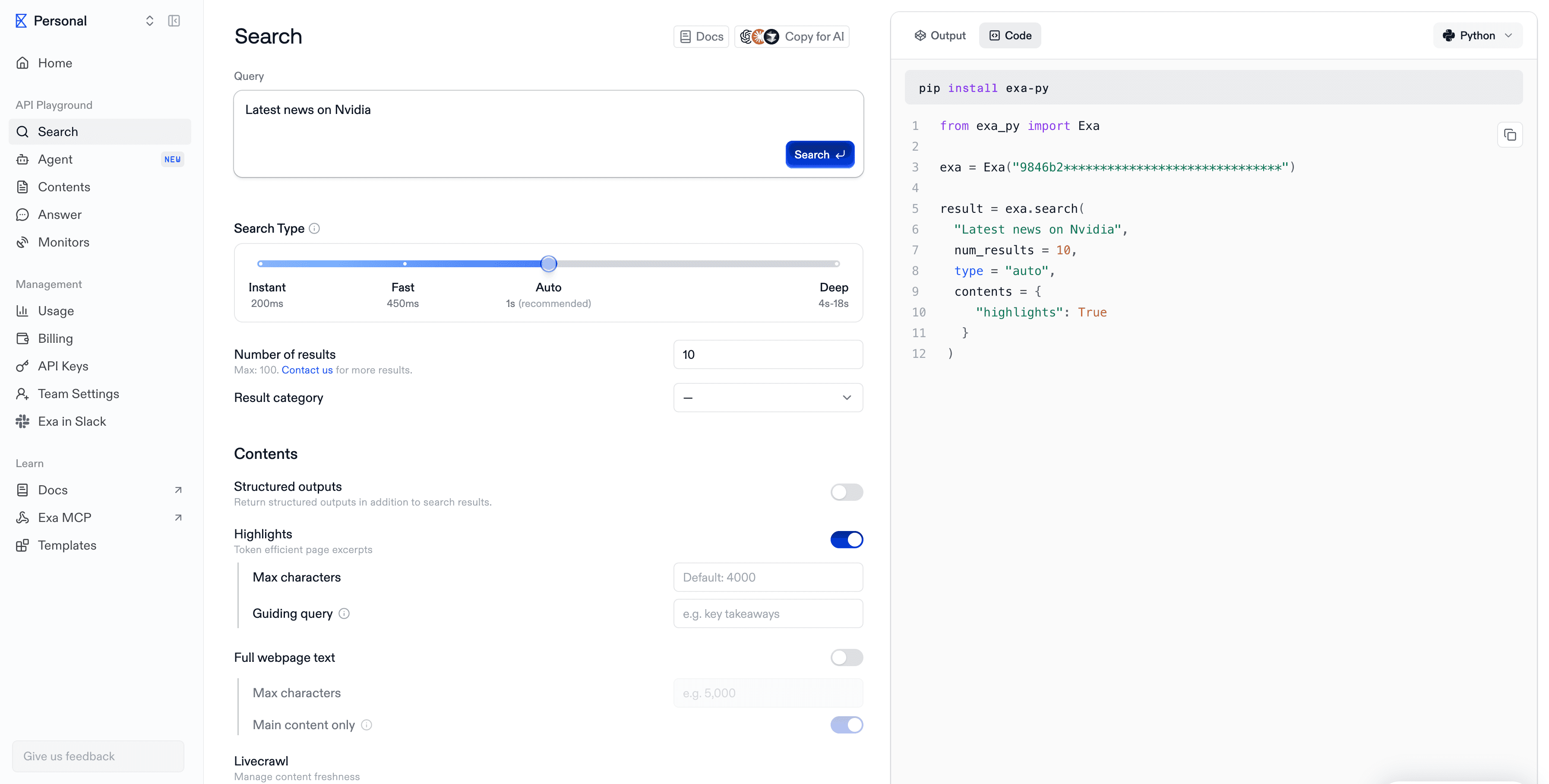
Exa is a search API built for AI that blends "neural", embedding-based search with keyword search, and adds content retrieval and vertical indexes for domains like companies, people, and research. Its instant tier targets low latency, and it offers official Model Context Protocol support.
In our runs, Exa (auto mode) scored 70% on BrowseComp at the frontier tier, at $971 per 1,000 questions, and 36% at the low-cost tier, at $53.40. Its strongest result was WideSearch: 55.9 at the frontier tier and 53.0 at the low-cost tier, where it beat Parallel Fast (45.5), though at $41.20 per 1,000 tasks against Fast's $10.50. It scored 91% on SimpleQA Verified at both tiers. On Openbenchmarks, Exa Instant measured 398ms mean latency on factual lookup, second to Parallel Turbo, and ranked first on the multi-hop time-to-task-quality board, ahead of Turbo.
**Best for:** semantic and exploratory retrieval where descriptive queries matter.
**Tradeoffs:** costs more per question than Parallel at both tiers in our runs and trails on BrowseComp and SimpleQA Verified, and per-content-type charges plus per-extra-result surcharges can push a live bill above the headline rate.
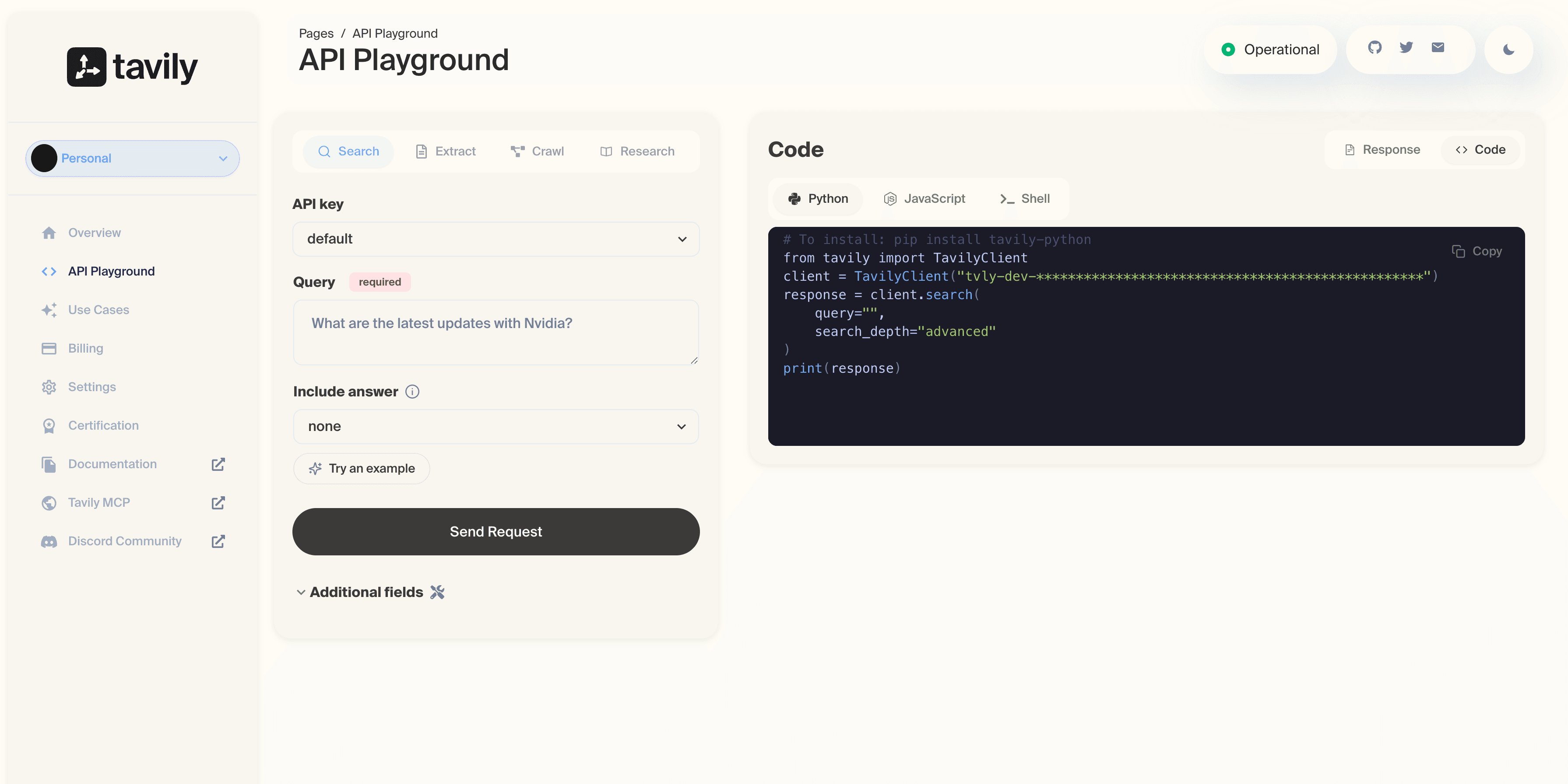
Tavily is a search API built for LLMs and retrieval-augmented generation (RAG), with source-first discovery, citation-ready responses, and popular LangChain and LlamaIndex integrations. It's a quick way to ground an agent inside those frameworks.
In our runs, Tavily scored 66% on BrowseComp at the frontier tier, the lowest of the four engines tested, and 32% at the low-cost tier, tied with Parallel Turbo for lowest. At $176 per 1,000 BrowseComp questions it was also the most expensive low-cost option. It did better on the simpler benchmarks: 94% on SimpleQA Verified at the low-cost tier, level with Parallel Fast (at $17.40 against $2), and 55.9 on WideSearch at the frontier tier. Tavily Basic measured 1.88s mean latency on Openbenchmarks' factual-lookup board.
**Best for:** teams already standardized on LangChain or LlamaIndex that want quick agent grounding and optimize for integration speed.
**Tradeoffs:** the weakest BrowseComp scores in our runs and the highest low-cost-tier cost, so the integration convenience matters less on multi-hop work.
The table below puts accuracy, cost, and latency together. Read them as a set, because any one number alone hides the tradeoff between task success, spend, and response time.
| Engine | BrowseComp % (frontier / low-cost) | BrowseComp cost per 1K (frontier / low-cost) | SimpleQA Verified % (frontier / low-cost) | Mean latency, factual lookup | Strongest fit |
|---|---|---|---|---|---|
| Parallel (Advanced / Fast) | 74 / 44 | $399 / $11.80 | 97 / 94 | 348 ms (Turbo), 942 ms (Fast) | Agent retrieval with dense excerpts; lowest low-cost-tier spend |
| Brave Search | Not in our runs | Not in our runs | Not in our runs | 601 to 630 ms | Independent index; AA Search Index 75 (LLM context) |
| Exa (Auto) | 70 / 36 | $971 / $53.40 | 91 / 91 | 398 ms (Instant) | Semantic retrieval; strong WideSearch coverage |
| Tavily | 66 / 32 | $935 / $176 | 92 / 94 | 1.88 s (Basic) | LangChain and LlamaIndex grounding |
| Perplexity Search | 74 / 46 | $275 / $37.10 | 95 / 94 | 1.38 s (low) | Hard multi-hop questions at the frontier tier |
Accuracy and cost from parallel.ai/benchmarks[parallel.ai/benchmarks], evals run September 9, 2026. Frontier tier: GPT-5.6 Sol agent (Parallel Advanced). Low-cost tier: GPT-5.6 Luna agent (Parallel Fast). Cost is LLM tokens plus tool calls, in USD per 1,000 BrowseComp questions. Latency is Openbenchmarks' mean from its own client on the factual-lookup board (September 15, 2026), for the configuration named. Brave isn't in our runs; its index score is from the Artificial Analysis Search Index.
A public benchmark narrows the candidates, and your own queries decide between them. You can run a credible head-to-head evaluation in about a day, and it will tell you more than any table here. We'd use the method below, and the expanded version of each step[expanded version of each step] is its own article.
A web search API is an endpoint your application calls to search the live web and get back results as data. Your app sends a query, and the API returns ranked URLs, titles, and often excerpts your model can read directly, without a browser or a human in the loop.
Web scraping pulls content from a specific page you already know. A SERP API returns the raw search-engine results page, meaning blue links and metadata. A web search API built for AI[web search API built for AI] returns ranked, model-ready text tuned for an agent's context window, so you skip the parsing and formatting work.
Latency reflects how an engine is built. An engine that owns its index answers from infrastructure it controls, while a reseller or scraper adds a hop to a third party. Ranking work, the network path to your client, and the amount of per-request processing each add milliseconds. That's why p50 latency can vary several times over across providers on the same query set.
If your agent only needs to locate sources, a search-only API works. If it needs the content of those pages to reason, you either want an API that returns dense excerpts directly or you build a separate extraction step. Combining search and extract in one call cuts round trips and lowers latency.
Rerun your evaluation each quarter, and again whenever a provider ships a major model or infrastructure change. Vendors move fast, and last quarter's leader can shift positions, so a fresh run keeps your decision grounded in current numbers.
It can. An engine that runs its own crawl and index doesn't depend on a third-party search provider's availability or policy changes. Independence also affects coverage, freshness, and how much control you have over source inclusion and exclusion.
Run this evaluation on your own queries before you commit. You can test Parallel Search on the free tier, which includes $5 in free credits every month, send your real traffic through it, and see where the latency and accuracy land for your workload.

By Parallel
September 26, 2026