
- [How to add free web search to your coding agent in 10 minutes (CLI and MCP)](https://parallel.ai/articles/add-free-web-search-to-coding-agent)
Tags:Guides
Reading time: 9 minSeptember 26, 2026
On BrowseComp, agents scored from 32% to 74% depending on the search API and price tier in our September 2026 runs of Parallel, Perplexity, Exa, and Tavily. This report compares six web search APIs as agent tools, adds independent Artificial Analysis and Openbenchmarks data where our runs don't cover a provider, and walks through how to rerun the evaluation on your own traffic.
On BrowseComp[BrowseComp], agentic-search accuracy in our current runs on parallel.ai/benchmarks[parallel.ai/benchmarks] (September 2026) ranged from 32% to 74%, depending on the search API and the agent paired with it. That spread often decides whether an agent finishes its task or stalls halfway through. BrowseComp is a benchmark of 1,266 questions that require persistent, multi-step browsing to locate hard-to-find, entangled information on the web, so it maps closely to how autonomous agents behave.
An agentic web search API is a tool your AI agents[AI agents] call mid-reasoning to fetch live information from the web. The agent issues a query, reads the results, and decides its next move, sometimes across a dozen or more calls for one hard question. Thin or noisy context makes the agent burn tokens, add round trips, and answer worse; dense, relevant context lets it resolve the question faster and for less.
This guide evaluates each vendor's web search API as a single tool in an agent's loop: the call an agent makes mid-reasoning to fetch live web context, measured on exactly that job.
A spec sheet tells you what a vendor claims. A benchmark table, including the BrowseComp figures in this article, tells you how a fixed test scored on a fixed day. Neither settles which API is right for you. Your results depend on your own workloads, your domains, and the query patterns your agents generate. A tool that leads on one benchmark can trail on your traffic.
The only test that settles the question is running your real production queries head-to-head and measuring whether each agent finished the task.
We are Parallel, we build one of the six APIs below, and we are biased toward it, so read our figures with that in mind and check them against your own. Teams move to Parallel by running this test themselves, structuring their search objectives, and watching the numbers on their own queries. Our benchmark figures are sourced and dated, but they are still ours, and your own run should outweigh them.
Our current Search API evals on parallel.ai/benchmarks[parallel.ai/benchmarks] ran on September 9, 2026, at two price tiers. The frontier tier pairs a GPT-5.6 Sol agent (reasoning high) with Parallel Basic or Advanced, and the low-cost tier pairs a GPT-5.6 Luna agent (reasoning low) with Parallel Fast or Turbo. Exa, Tavily, and Perplexity run at both tiers with the same agents, and an LLM judge grades a 50-question BrowseComp sample. OpenAI Web Search, Brave, and SerpAPI aren't in those runs, so for them we point to independent data where it exists. The sections below aren't a ranking.
Since we ran those numbers, an independent version of this comparison has appeared: the Artificial Analysis Search Index[Artificial Analysis Search Index] (September 2026 data) benchmarks 25 search API products across 12 providers on a fixed GPT-5.6 Luna agent harness, varying only the search provider. Perplexity Search (medium) leads at 80, followed by Octen Search at 77; Parallel Search (advanced) scores 75, level with Brave's LLM context mode, and ties for the top DeepSearchQA score (81). Parallel's fast mode recorded $8.41 in search cost per 1,000 benchmark tasks in AA's September 8 data, among the lowest measured. Where our figures below and theirs overlap, prefer theirs; they have no stake in the outcome.
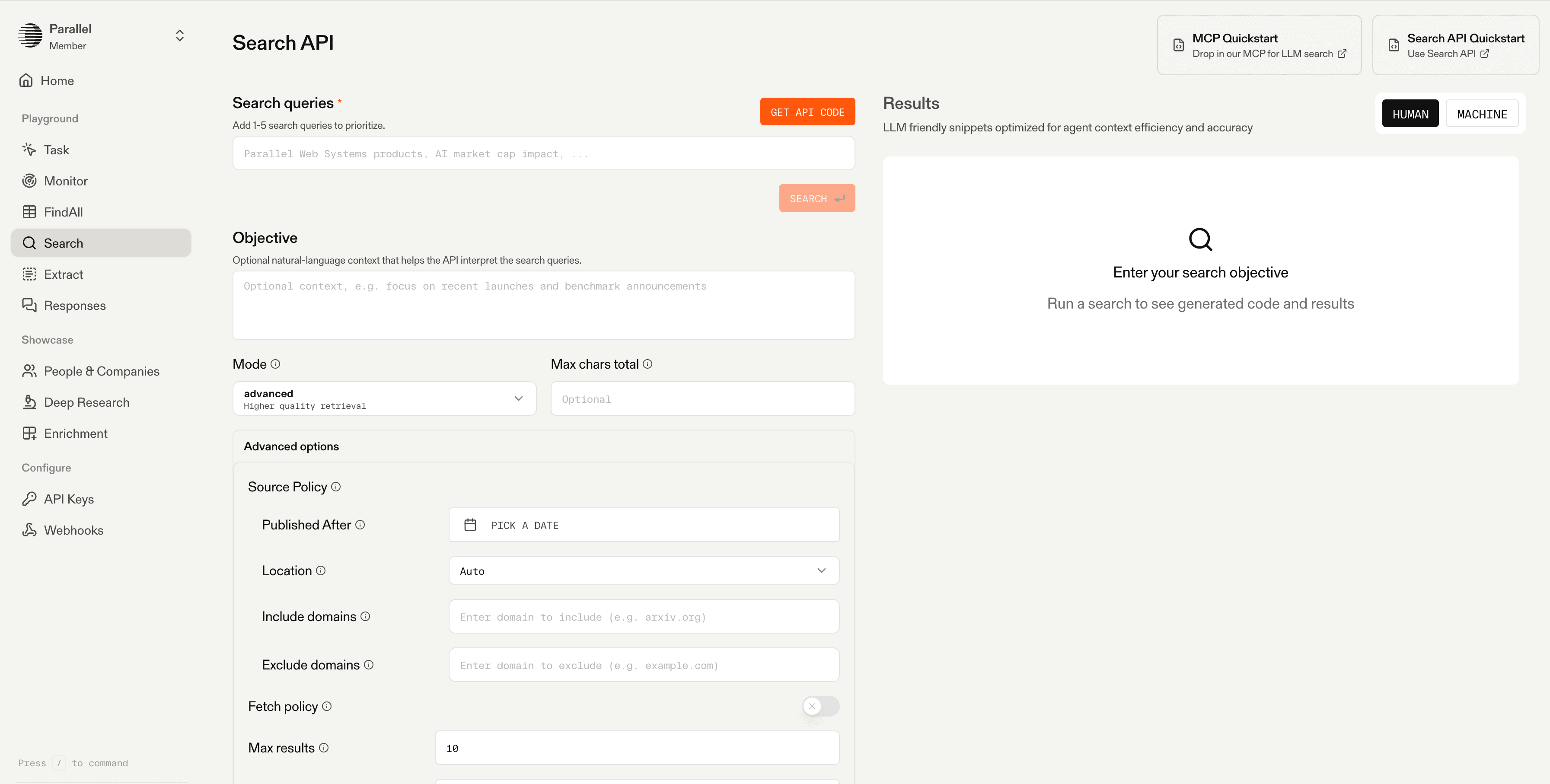
We built Parallel Search[Parallel Search] for AI agents rather than for human readers. Instead of keyword queries, your agent declares a natural-language objective, and we return URLs ranked by token relevance plus compressed, information-dense excerpts tuned for the context window. We run this on our own proprietary web-scale index of billions of pages, with millions added daily, rather than reselling a third-party index. That lets us reach PDFs, JavaScript-rendered pages, and content behind forms that generalist indexes often miss, and it lets an agent resolve a complex query in fewer round trips. You can also call us over MCP[over MCP] through the Parallel Search MCP server, using the Model Context Protocol (MCP) to plug directly into your agent framework.
On BrowseComp on parallel.ai/benchmarks[parallel.ai/benchmarks] (September 2026), Parallel Advanced scored 74% at the frontier tier, tied with Perplexity, though Perplexity got there for less ($275 per 1,000 questions against our $399). At the low-cost tier, Parallel Fast scored 44% at $11.8 per 1,000, the cheapest run at that tier, just behind Perplexity's 46% at $37.1. On Openbenchmarks[Openbenchmarks]'s fastest-search-API board (September 2026), Parallel Turbo had the lowest mean latency for factual lookups, at 348ms.
**Best for:** agent web-search tool calls where context quality, token efficiency, and multi-hop accuracy at predictable cost all matter.
**Tradeoffs:** we're a newer platform with a smaller third-party ecosystem than the incumbents, we don't run browser automation, and we supply grounding, so your model still does its own reasoning.
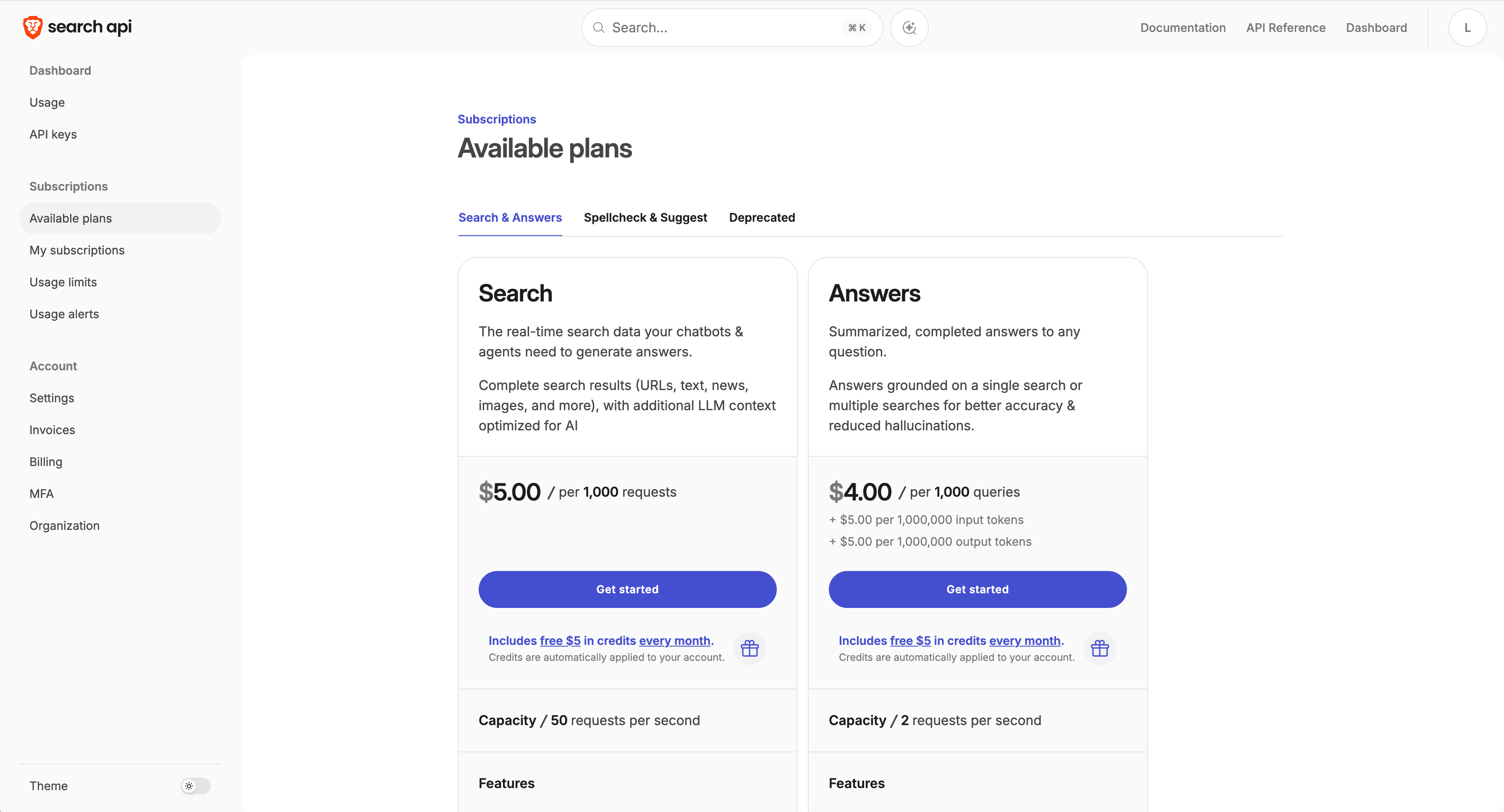
OpenAI Web Search is built into the OpenAI API as a tool the model invokes on its own. When the model decides it needs the web, it runs a search and injects the results into its context, tightly coupled to its reasoning loop. Billing combines a per-call charge with the search-context tokens at the model's input rate, and the model can trigger several searches per request, so your effective cost varies from question to question.
OpenAI Web Search isn't in our current benchmark runs, and we don't have a current, comparable accuracy figure to report for it. If you're weighing a move, our guide on switching from OpenAI web search[switching from OpenAI web search] walks through the tradeoffs.
**Best for:** teams already fully on the OpenAI stack that want search built into the model and will accept variable cost.
**Tradeoffs:** you don't control how many searches run or how many context tokens you're billed for, and you're tied to one model vendor.
Brave Search offers a developer API over its own independent web index, reported at more than 30 billion pages, served without routing your queries through Google or Bing. It holds a SOC 2 Type II attestation with a zero-data-retention option.
Brave isn't in our current benchmark runs. On the independent Artificial Analysis Search Index[Artificial Analysis Search Index] (September 2026 data), Brave's LLM context mode scores 75, level with Parallel Search (advanced). On Openbenchmarks[Openbenchmarks]'s factual-lookup latency board it measured 601 to 630ms mean.
**Best for:** privacy-sensitive apps and cost-conscious teams that want an independent index and will handle extraction themselves.
**Tradeoffs:** it returns human-oriented results rather than token-dense agent excerpts, so your agent pairs it with a separate fetch step for multi-hop work, and its index is smaller than the web giants'.
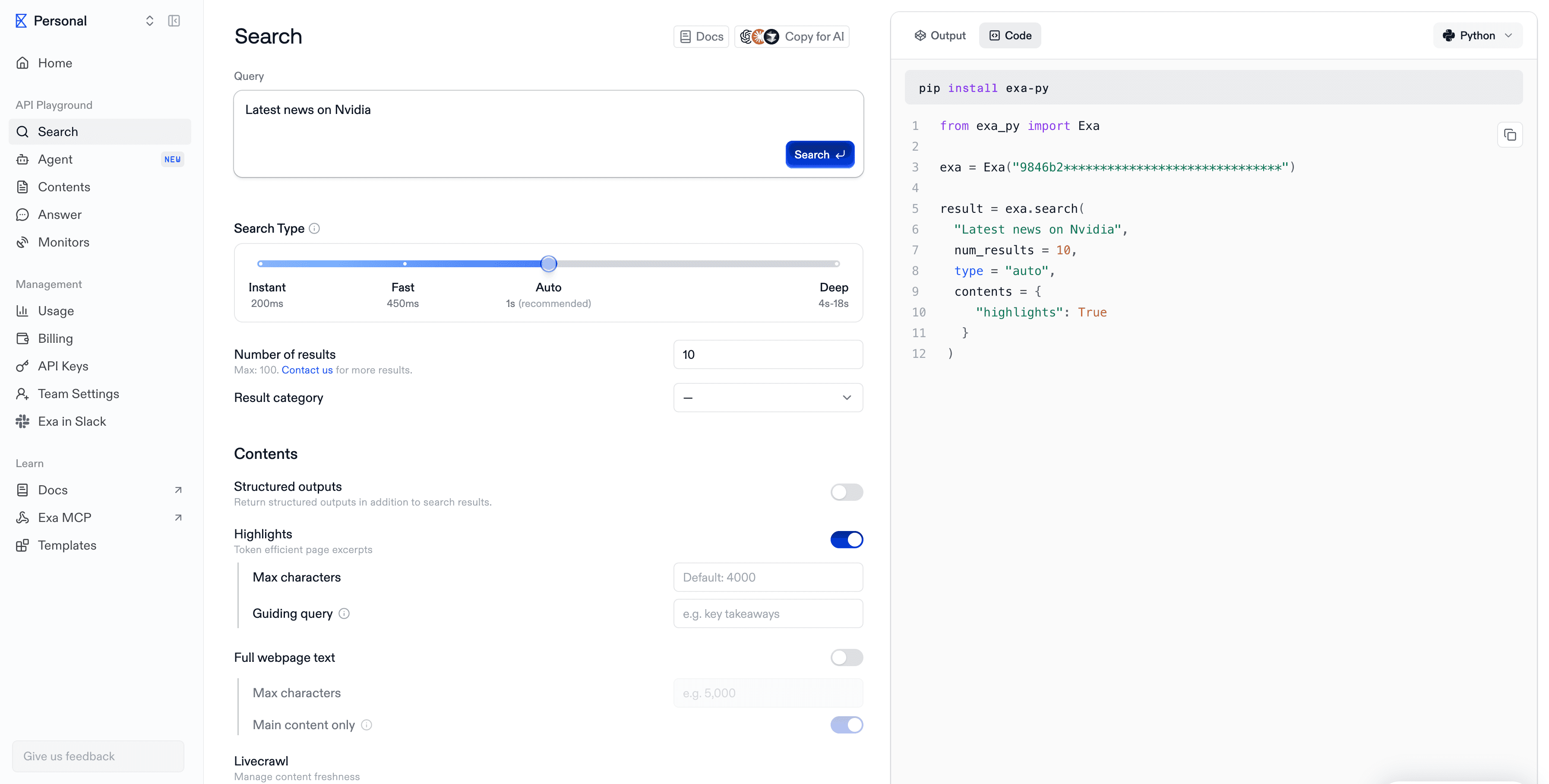
Exa is a neural, embeddings-based search API that matches on meaning rather than exact keywords, with a fast Exa Instant tier for latency-sensitive calls. Only its Search endpoint is in scope here. It's popular across AI developer tooling for semantic discovery.
On BrowseComp on parallel.ai/benchmarks[parallel.ai/benchmarks] (September 2026), Exa Auto scored 70% at the frontier tier and 36% at the low-cost tier. It does better on breadth: at the low-cost tier on WideSearch, Exa scored 53.0 against 45.5 for Parallel Fast, the best low-cost result on that benchmark. So its ranking depends heavily on the kind of question you throw at it.
**Best for:** semantic discovery and single-hop lookups where meaning-based matching shines.
**Tradeoffs:** on BrowseComp at the frontier tier it was the most expensive run on the chart ($971 per 1,000 questions) while trailing Parallel and Perplexity on accuracy, and its strength is workload-dependent.
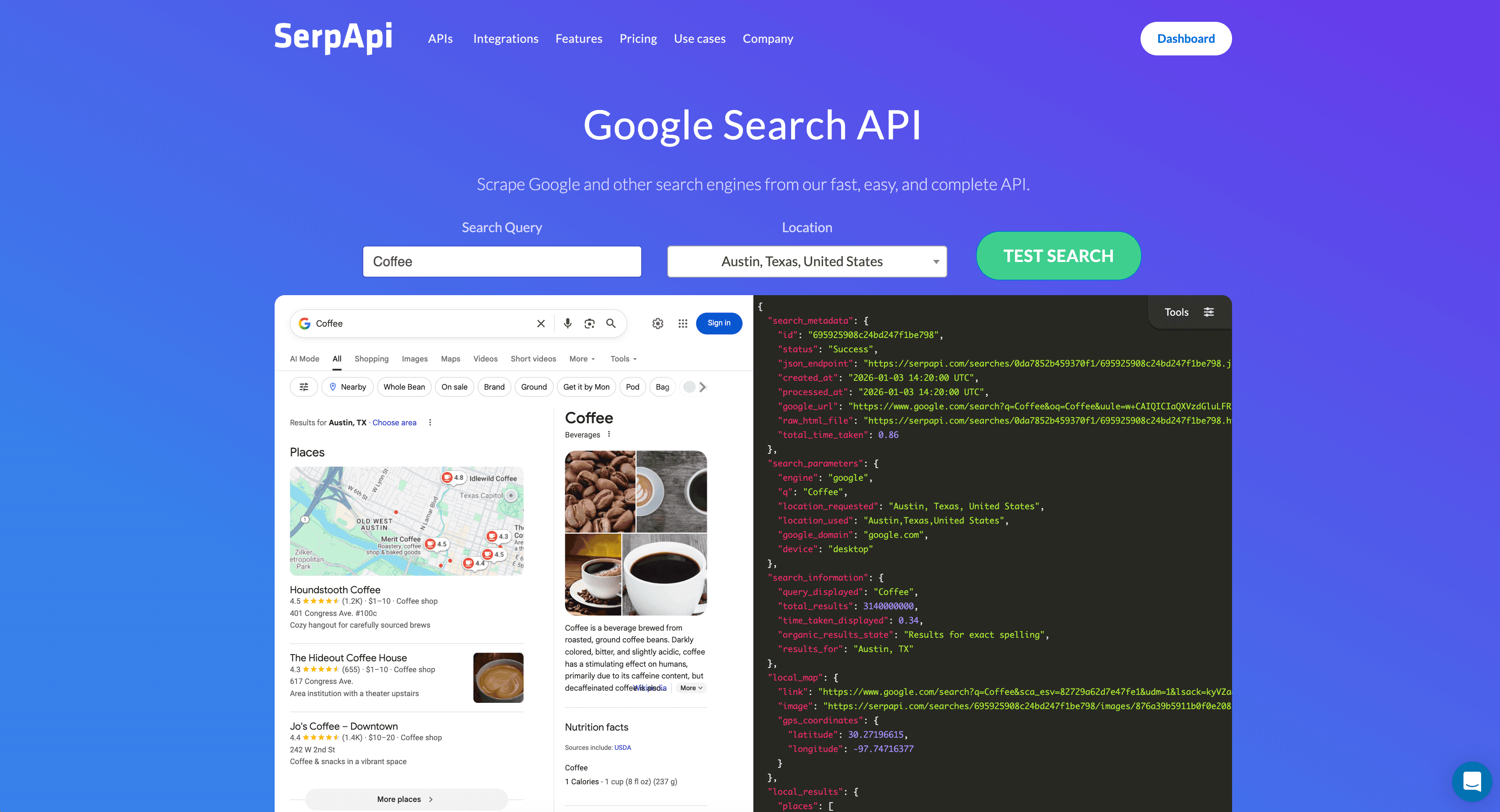
SerpAPI scrapes Google and around 100 other engines, then returns structured search-engine-results-page (SERP) JSON with blue-link results, features, and metadata. It's search-only, with no agent-native excerpts, and it's well established for rank tracking and SERP monitoring. Its plans sell monthly search quotas, and some cap usage per hour.
SerpAPI isn't in our current benchmark runs, and we don't have a current independent accuracy figure for it.
**Best for:** SEO rank tracking and structured SERP data collection, more than agent reasoning.
**Tradeoffs:** it returns human SERP snippets rather than reasoning-ready excerpts, so your agent does more parsing and takes more hops, and quota caps can bite at scale.
Tavily is a search API built for LLMs and retrieval-augmented generation (RAG), with optional AI answer summaries, domain filtering, and content extraction. It's widely adopted across agent frameworks and offers a developer-friendly free tier.
On BrowseComp on parallel.ai/benchmarks[parallel.ai/benchmarks] (September 2026), Tavily scored 66% at the frontier tier and 32% at the low-cost tier, the lowest at each tier (tied with Parallel Turbo at low cost). Single-hop lookups suit it better: it scored 94% on SimpleQA Verified at the low-cost tier, level with Parallel Fast, though at $17.4 per 1,000 questions against $2.0.
**Best for:** quick RAG grounding and simple single-hop retrieval where ease of setup matters most.
**Tradeoffs:** on BrowseComp it posted the lowest frontier-tier score of the four APIs in our runs, and community reports note that result quality can vary and fresh, high-quality links aren't always guaranteed.
The table below pairs the current BrowseComp figures with a few qualitative columns. Perplexity is included for reference because it's in our runs; OpenAI, Brave, and SerpAPI aren't.
| Tool | BrowseComp, frontier tier | BrowseComp, low-cost tier | Index type | Search-only or paired extract | Strongest fit |
|---|---|---|---|---|---|
| Parallel (Advanced; Fast) | 74% | 44% | Own proprietary index | Paired extract | Multi-hop agent tool calls |
| Perplexity Search | 74% | 46% | Own index | Search-only in test | Frontier-tier multi-hop at lower cost |
| Exa Auto | 70% | 36% | Neural embeddings | Paired extract | Semantic lookups and broad list-building |
| Tavily | 66% | 32% | RAG-oriented | Paired extract | Quick RAG grounding |
| OpenAI Web Search | Not in current runs | Not in current runs | Model-integrated | Built into the model | Search on the OpenAI stack |
| Brave Search | Not in current runs | Not in current runs | Own independent index | Search-only | Independent, privacy-oriented |
| SerpAPI | Not in current runs | Not in current runs | Scraped SERPs | Search-only | SEO and SERP data |
BrowseComp figures from parallel.ai/benchmarks[parallel.ai/benchmarks], 50-question sample, run September 9, 2026. Frontier tier uses a GPT-5.6 Sol agent; low-cost tier uses a GPT-5.6 Luna agent.
You can run this for your own agents in about a day. The method measures whether the agent finished the job. Each step is expanded in our guide to benchmarking web search APIs[guide to benchmarking web search APIs].
If you want a starting scaffold, our cookbook shows how to build a search agent[build a search agent] end to end, and our notes on how to structure your search objectives[structure your search objectives] help you get comparable results across tools.
**What is an agentic web search API?** It's a web search endpoint your agent calls as a tool during its reasoning loop. The agent sends a query, reads the returned URLs and excerpts, and decides its next step, often chaining many calls to answer one hard question. Our explainer covers what a web search API does[what a web search API does] in more depth.
**How is it different from a SERP API?** A SERP API returns the structured contents of a search-engine results page, built for humans and rank tracking. An agentic search API returns results shaped for a model's context window, favoring dense, relevant excerpts over blue-link snippets, so your agent parses less and reasons more.
**Why not just use my model's built-in web search?** Built-in search is convenient and needs no extra integration. The tradeoff is control and cost: you often can't cap how many searches run or how many context tokens you pay for, and you're tied to one model vendor. A standalone API lets you swap search independently of your model.
**What should I optimize for, accuracy or cost?** Optimize for cost per successful task, which folds both together. The cheapest request that fails and triggers retries can cost more than one accurate call. Measure spend against completed tasks on your own workload rather than sticker price per request.
**How often should I re-evaluate?** At least quarterly, and after any provider announces a major model or index change. Rankings move as vendors ship updates, so a choice that was right last quarter deserves a fresh look this quarter.
Run the head-to-head test on your own queries. When you're ready to include Parallel in that comparison, our free tier, which includes $5 in free credits every month, covers up to 5,000 Turbo searches, enough to run a full evaluation and see the figures on your own workload.

By Parallel
September 26, 2026